THE MYRIACT PLATFORM
See what each
decision can become.
MYRIACT gives product teams a clear visual workflow for transferring form, rendering materials, and generating multi-view directions—then moving the right one forward.
A CLEAR INPUT. A CLEAR RESULT.
Understand the work
at a glance.
Every function makes its inputs, controls, and intended output visible at a glance.
01FORM TRANSFER
Form transfer
Combine the product form in a source image with the design character of a style reference to create a new product visualization.
01 / 04
Example 1
A source image combined with a style reference to produce a new product visualization.
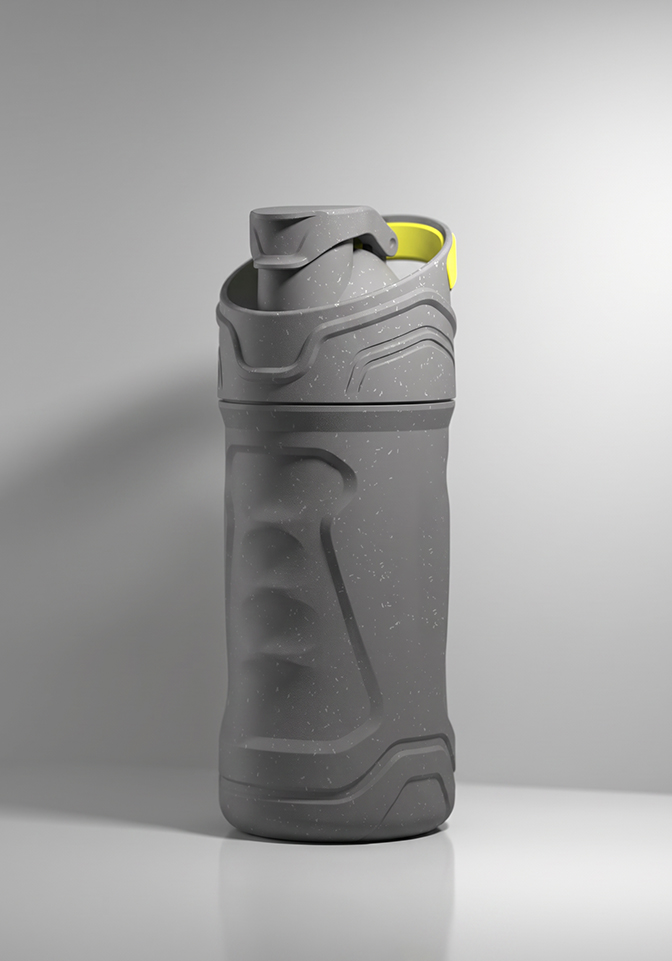 Example 1 ASource image
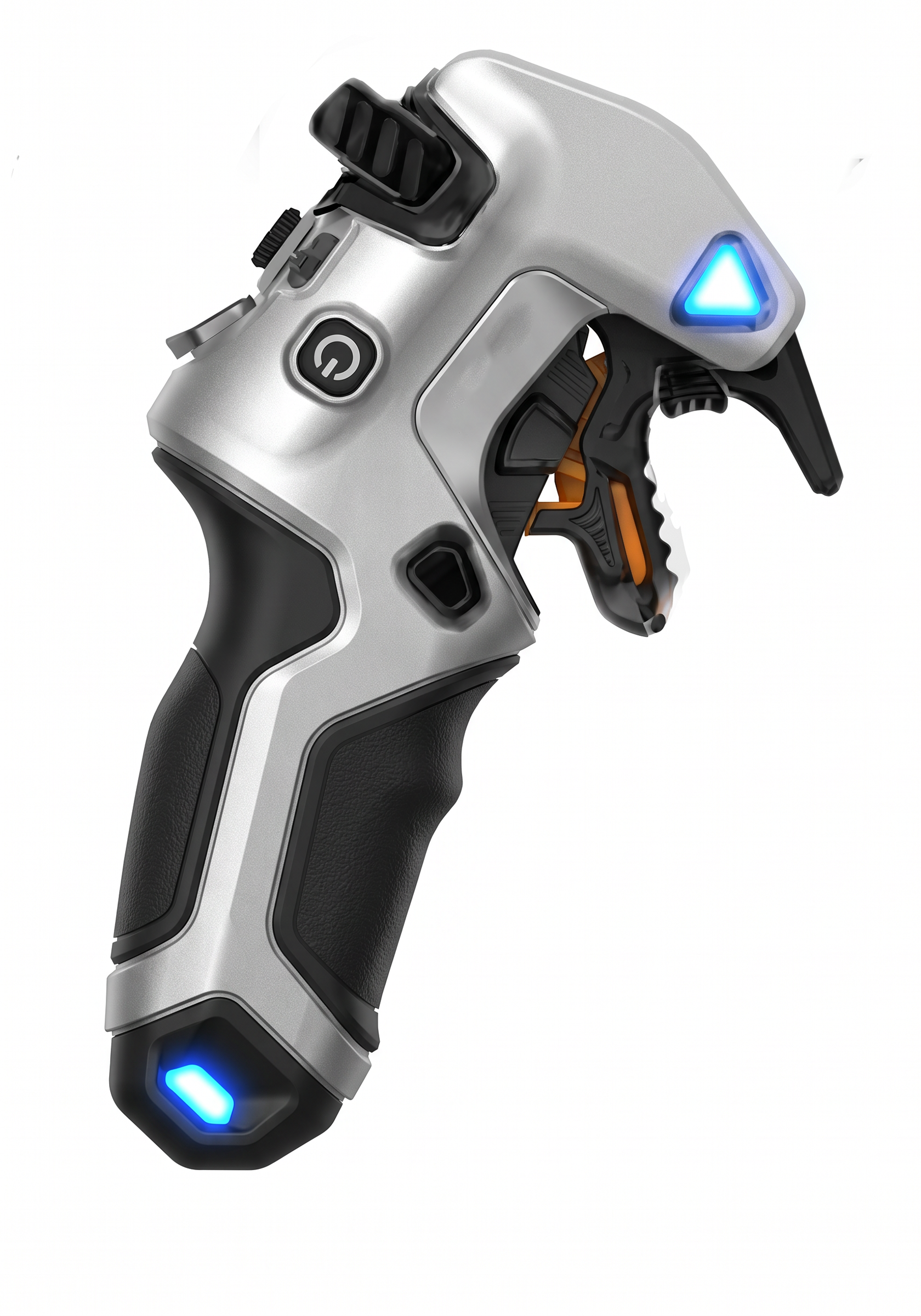 Example 1 BStyle reference
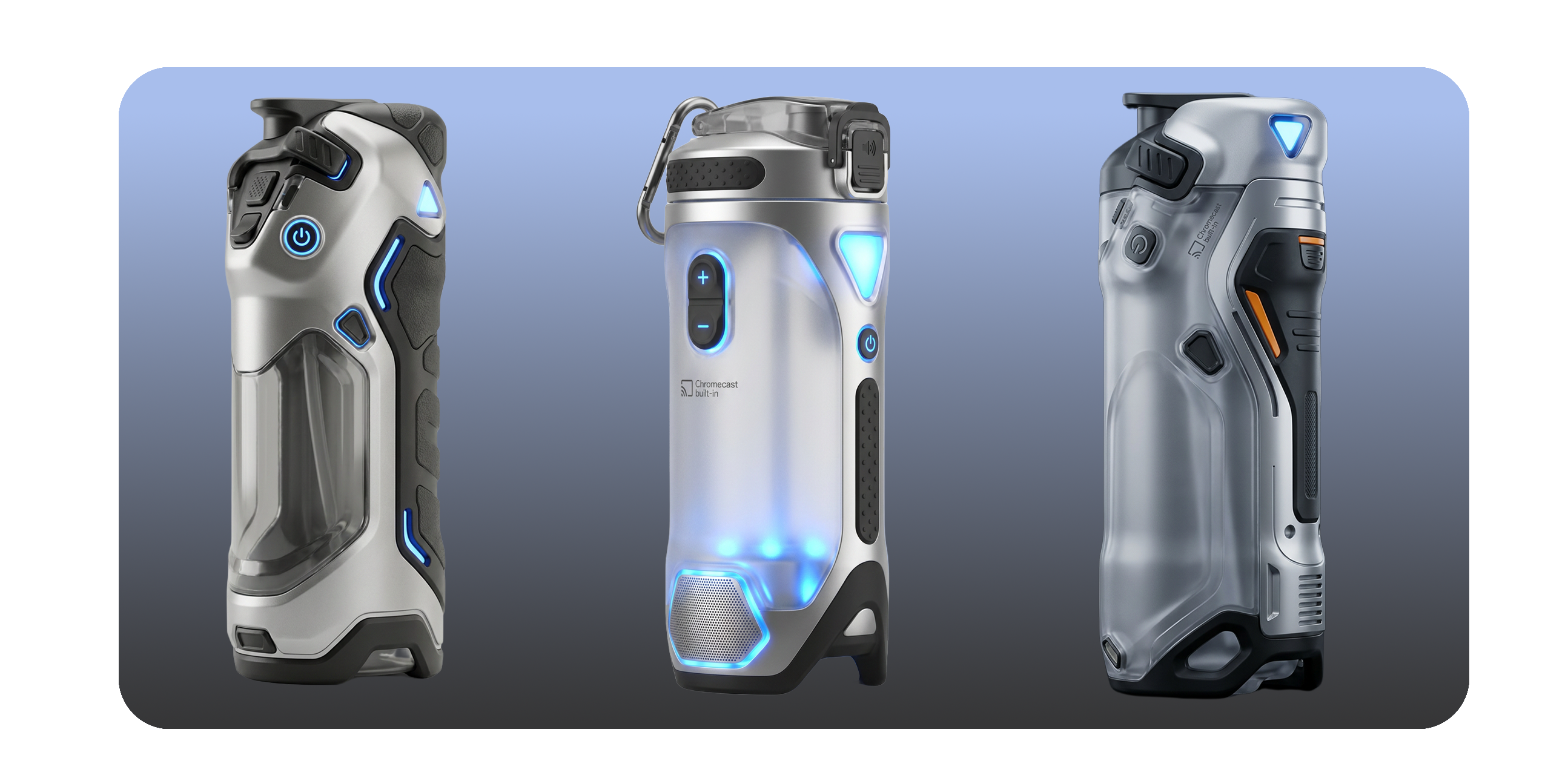 Example 1 CNew product visualization
Illustrative case layout. Replace with verified MYRIACT case assets before launch.
02MATERIAL RENDERING
Material rendering
Apply the material, color, and lighting of a reference image to generate a new rendering for your product.
01 / 04
Example 1
Upload a product image and a material reference — AI reads the material, color, and lighting, then generates a new rendering.
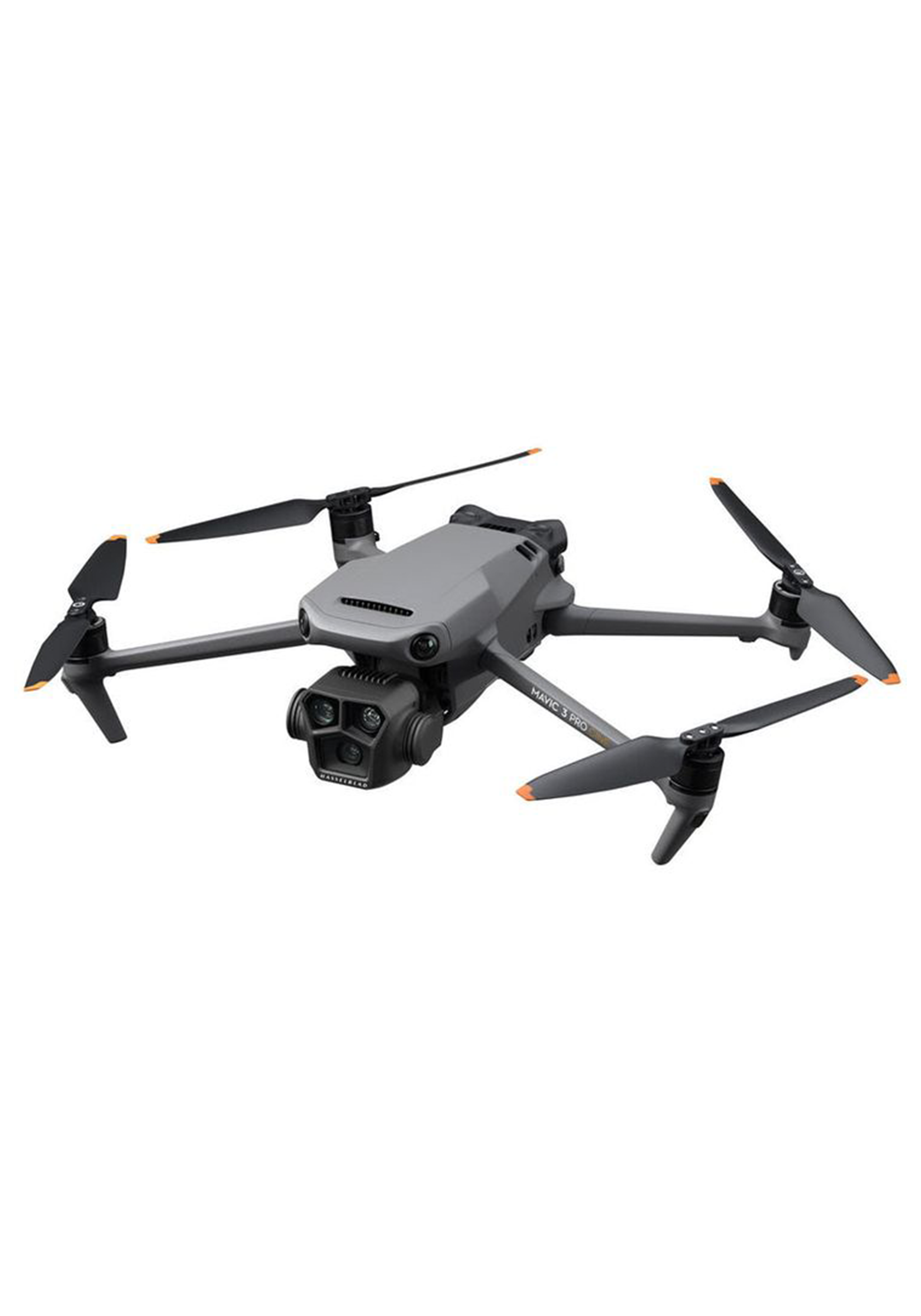 Example 1 AProduct image
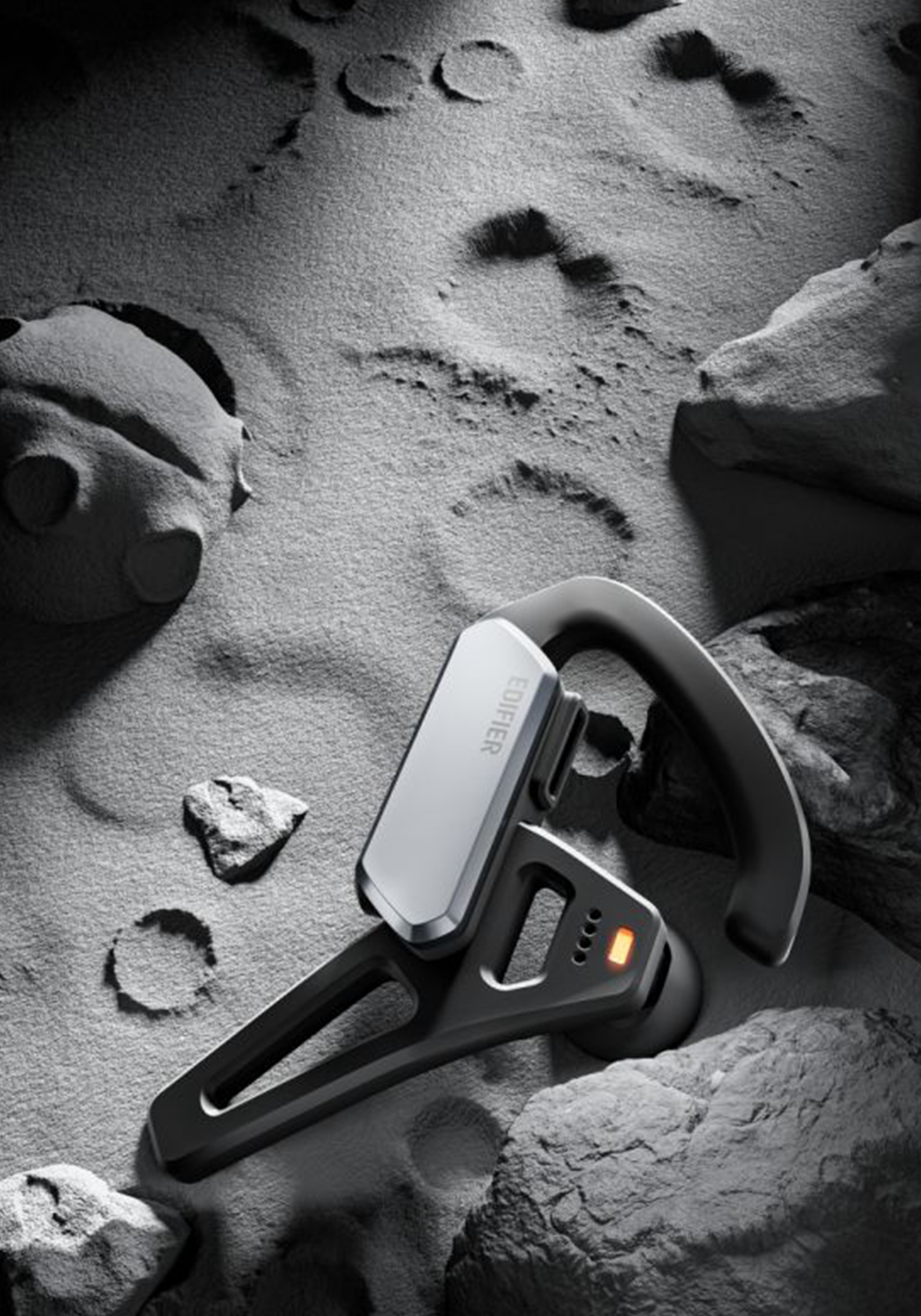 Example 1 BMaterial reference
 Example 1 CRendered product
Illustrative case layout. Replace with verified MYRIACT case assets before launch.
03MULTI-VIEW GENERATION
Multi-view generation
Turn one product image into views from any direction, choosing the viewing angle with an interactive cube.
01 / 01
Example 1
Upload a product image, set the viewpoint on the interactive cube to the left side, and generate the matching view.
 Example 1 Left SideProduct image
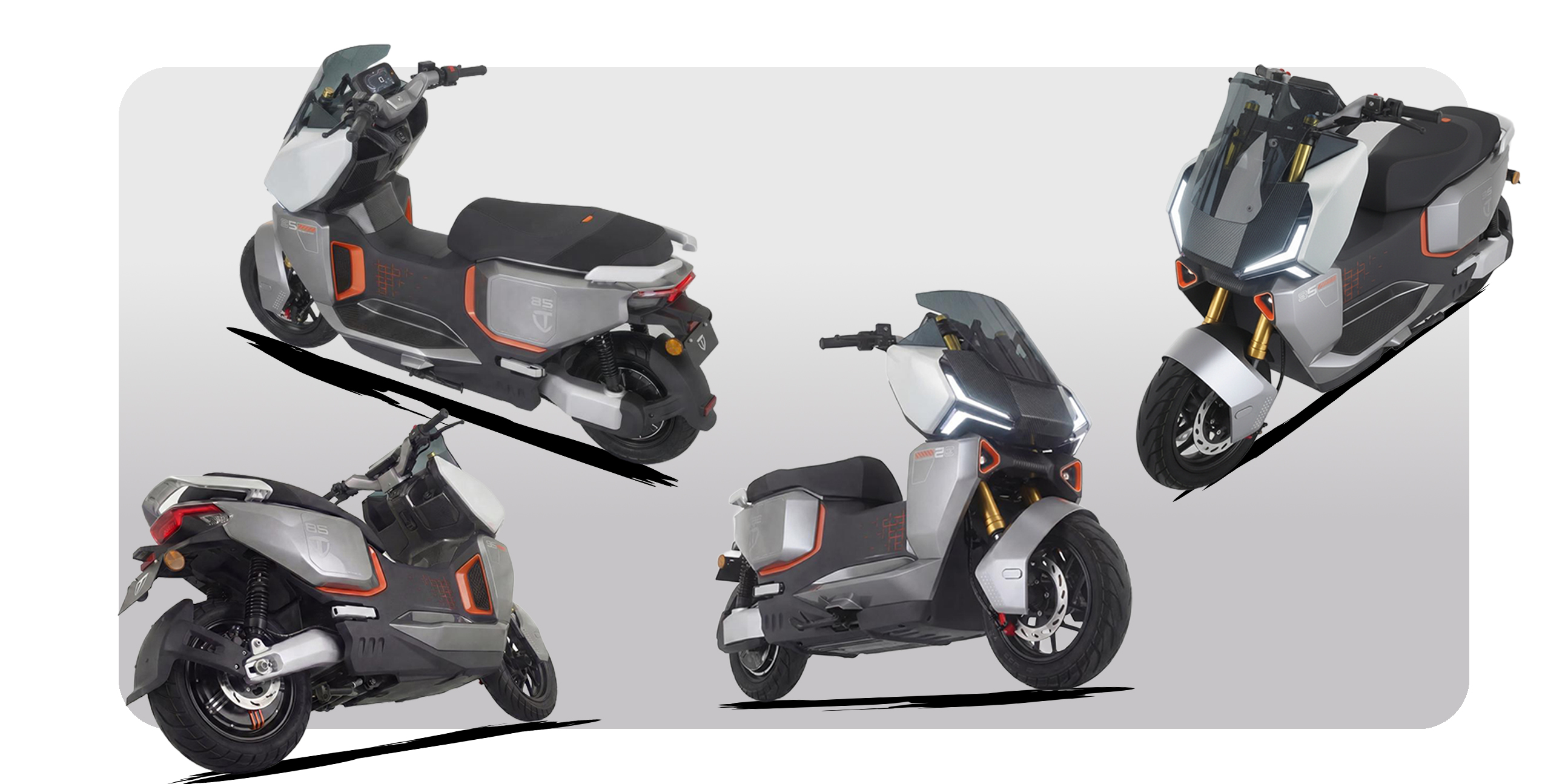 Example 1 Left Side ResultGenerated view
Illustrative case layout. Replace with verified MYRIACT case assets before launch.
ONE PLATFORM. MANY DIRECTIONS.
Explore many.
Advance one.
Try MYRIACT in your browser to start exploring product directions in one focused workspace.
Try it now →